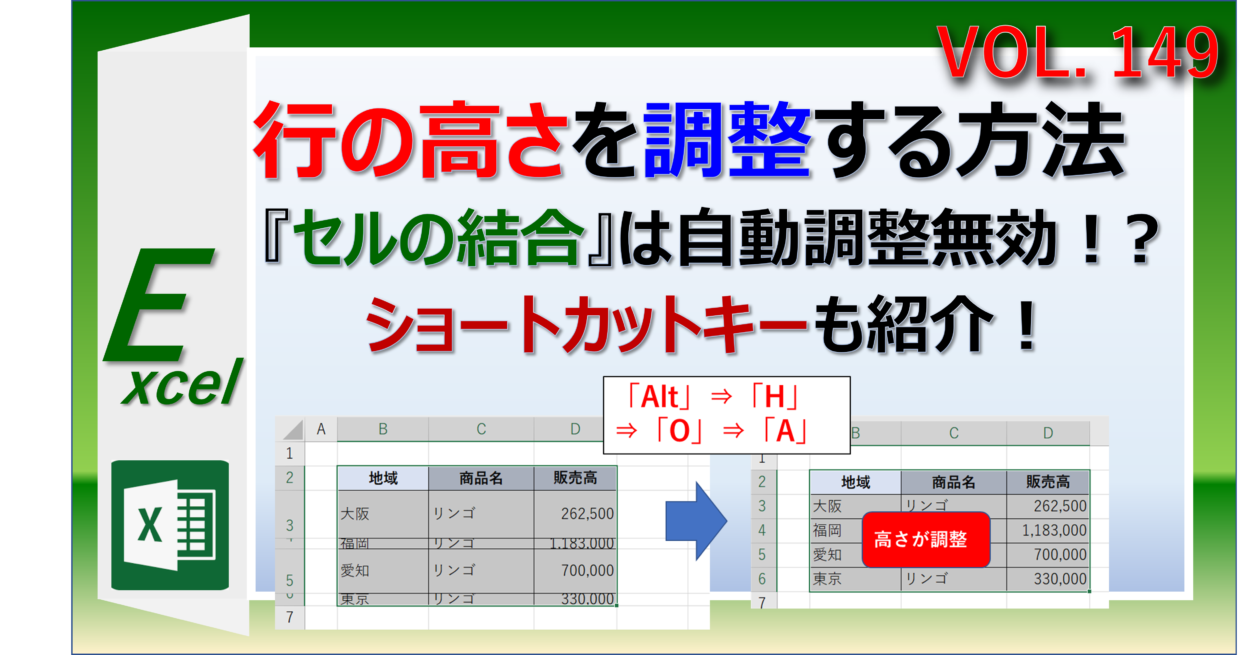
日本企業の帳票文化で多用される「セルの結合」は、レイアウトの美観と引き換えに自動計算や自動整形の柔軟性を大きく損ないます。特にエクセル結合セルの行の高さ自動調整は標準機能では対応していないため、業務に応じた代替アプローチが必要です。
関数や手動操作で対応する場合の現実的な裏ワザは、「印刷範囲外の単一セルに同一テキストを参照させ、その行の高さを連動させる」方法です。しかし、入力内容が頻繁に変動する動的シートでは、Excel行の高さ自動調整マクロ(VBA)を導入するのが最も堅牢な解決策となります。
以下のVBAコードは、結合されたセルの結合を一時的に仮想解除して必要な高さを計算し、結合セル全体の高さを適切に再配分するロジックの一例です。
Sub AutoFitMergedCellRowHeight()
Dim currentCell As Range, targetCell As Range
Dim mergedWidth As Double, cellWidth As Double
Dim targetHeight As Double, currentHeight As Double
Dim i As Long
Set targetCell = Selection
If Not targetCell.MergeCells Then Exit Sub
Application.ScreenUpdating = False
With targetCell.MergeArea
mergedWidth = 0
For Each currentCell In .Columns
mergedWidth = mergedWidth + currentCell.ColumnWidth
Next currentCell
.MergeCells = False
cellWidth = .Cells(1, 1).ColumnWidth
.Cells(1, 1).ColumnWidth = mergedWidth
.Cells(1, 1).EntireRow.AutoFit
targetHeight = .Cells(1, 1).RowHeight
.Cells(1, 1).ColumnWidth = cellWidth
.MergeCells = True
.RowHeight = targetHeight
End With
Application.ScreenUpdating = True
End Sub
定例の業務報告書や見積書など、結合セルが避けられないフォーマットでは、このマクロをクイックアクセスツールバーやワークシートイベント(`Worksheet_Change`)に組み込んでおくことで、手動微調整の不毛な作業から完全に解放されます。

